
Posts

SharePoint Framework (SPFx) Quick Start (Gulp toolchain for SPFx v1.21.0 and earlier)

SharePoint Framework (SPFx) Quick Start (Gulp toolchain for SPFx v1.21.0 and earlier)

It’s been a while since I posted, but with SPFx v1.22.0 due out in the next couple of weeks, I decided to make a final update to this article on how to get started with SPFx using the Gulp toolchain. In case you haven’t heard, v1.22.0 will no longer use Gulp as it is being replaced with Heft. The main reason for this change is that the Gulp toolchain has been very difficult to keep up-to-date, and the internal engineering teams at Microsoft switched to Heft a while back. Since they are actively maintaining Heft for their own use, we will now benefit from that work.

Expect a companion post soon on getting started with SPFx using the Heft toolchain.

Where is Don?

Where is Don?

I am still around! As with so many people, life happens and keeping my blog up to date dropped below the active line. Rest assured, I have not been inactive during my “absence,” just not updating my blog as much as I would like. I know I have a couple of historical articles that people still come up to me at conferences and tell me they use them all the time, which makes me proud, but also guilty that I have not been keeping those updated. As we all know, an article that covered ground-breaking changes 3 years ago is now out of date and potentially misleading. So, I will be working on updating those articles over the next few months.

Using Teams Toolkit in WSL (updated)

Using Teams Toolkit in WSL (updated)

I recently started a training course with the amazing Andrew Connell through his company Voitanos. The subject for this course is Microsoft Teams Development. This is an area I have wanted expand my professional expertise in for a while, so I am very excited about the course. We are using the Teams Toolkit to develop all of the project types available in MS Teams. Our first project is an app to be surfaced as a personal tab and since we want to build a modern UI, we are using the Tab option for “React with Fluent UI.”

Using Multiple Desktops for Presentations

Using Multiple Desktops for Presentations

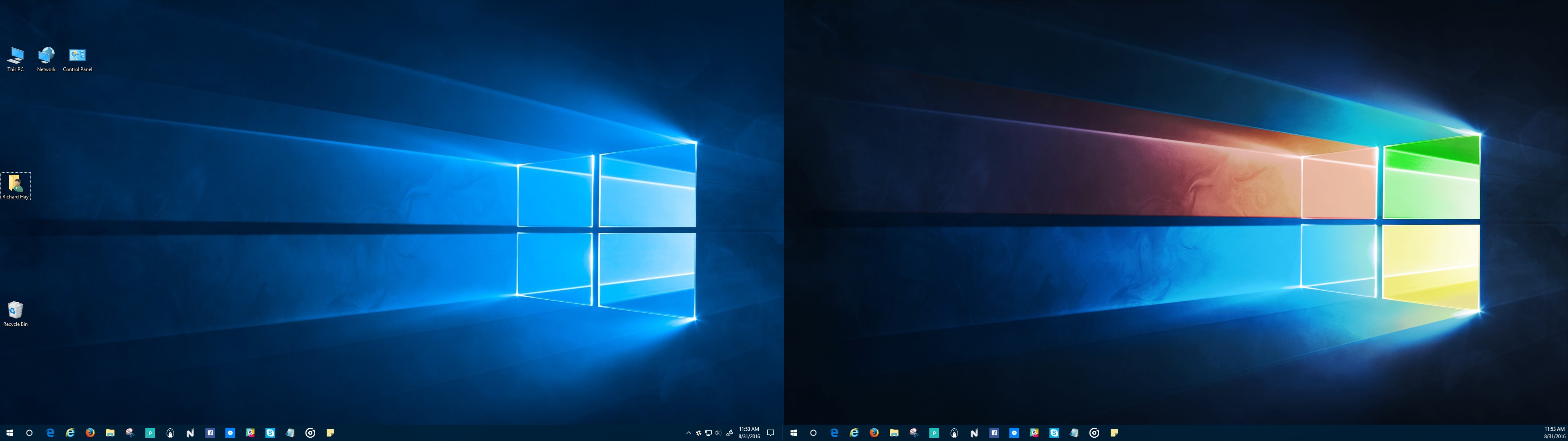
Have you ever sat through a presentation, watching the presenter struggle to find the next browser tab, code window, slide deck, etc., to continue the show? Or watch that awkward transition from slides to demos and back? Or the presenter uses Alt-Tab, but has dozens of apps open and struggles to find the right one? I know you have and it might have been one of my sessions! I learned a while back about a technique to make your presentations just flow from one section to the next. If you are using Windows, multiple desktops make these transitions fast and seamless.