M365 EduCon - Seattle 2022
What a great time in Seattle
What a great time in Seattle

I recently had the opportunity to join the crew from Community Cloudcast to discuss the true cost of moving to the cloud. Normally, the show has three hosts: Eric Shupps, Jason Himmelstein, and Paul McCollum.
Unfortunately, Jason and Paul were not available, so Eric and I tackled the subject on our own. As always, discussions with Eric are very informative, as well as entertaining.
You can watch the entire webcast below. I had a lot of fun doing this and hope to be invited back for future discussions.
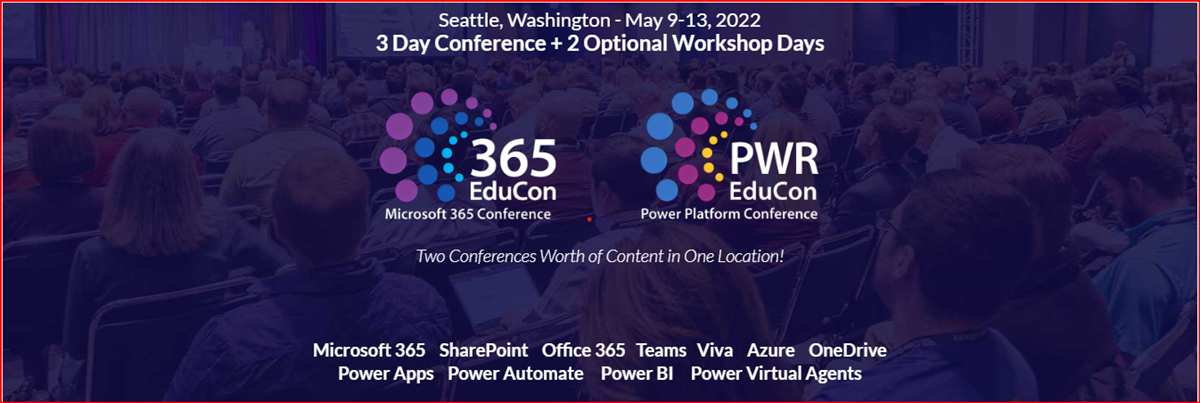
In just under 2 months (May 9-13, 2022), I have the opportunity to present several sessions the the Microsoft 365 EduCon Conference. I’m really excited to join this conference as we move back to more in-person events. As I have stated many times, I think the real value in conferences is networking at all levels: Business Partners, Speakers, Vendors, as well as fellow professionals and enthusiasts. Content is awesome, but meeting people that you can contact after the conference is key to advancing your skills and professional development. Bring your business cards and collect as many as you can for your future.
Conferences are slowing coming back and I am personally looking forward to talking to attendees, sponsors, and speakers in person again. First on the agenda this year is the M365 Collaboration Conference (formally the SharePoint Conference) in Orlando, FL, Jun 8-10. The “big” conference is still scheduled for Las Vegas in December, but this is a hybrid event that promises to be an exciting time as we transition from the virtual world we have lived in for the past year. I am honored to be chosen to deliver a couple of sessions during the conference and am looking forward to the trip.
One of the most exciting changes to SharePoint in the last few years is the advances in custom formatting of columns, views, and forms. These capabilities have transformed lists from functional tools that are pretty boring to exciting, dynamic, visual presentations of data with colors, icons, and almost anything you can design in HTML/CSS. By default, most of the custom formatting samples for columns are shown in a single view, but it is just few steps to make this formatting active in every view.
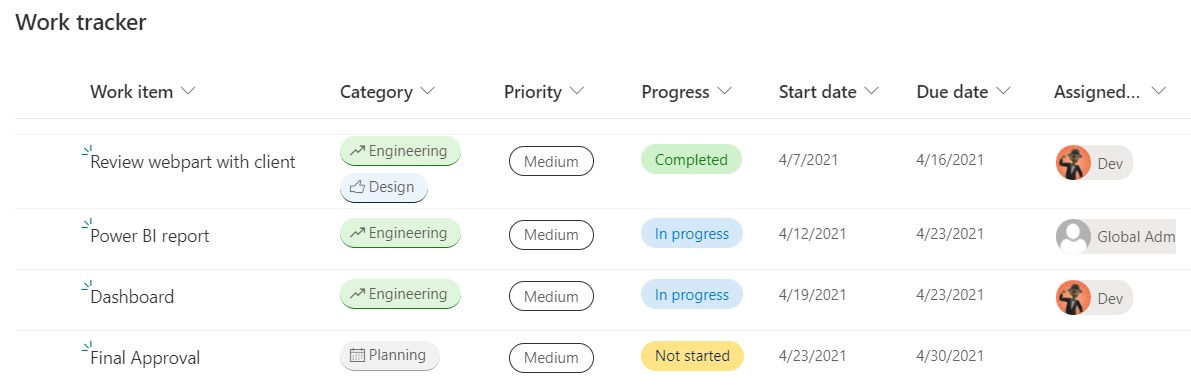
First, let’s find out how to create some custom formatting. I started with a Work Tracker list from the templates provided in Microsoft Lists and added some data about a project. As you can see from the image below, this template already has custom formatting in several columns. (Category, Priority, Progress, and Assigned to).

I’m always excited when I earn a certification, but some are more special than others. I have been working for over a year to learn all the skills needed to earn the Microsoft 365 Developer Associate certification. While I have been working as a SharePoint developer for almost 15 years, most of my work has been in very specific areas, like webparts or apps. Certifications normally require more skills than one person would have experience in, even someone doing this as long as I have. MS-600, which is the only exam needed for the certification, covers several areas that I just don’t operate in every day. It has taken a while for me to get comfortable in those areas.