
PNP

Recognition program at PnP

Recognition program at PnP

I recently was awarded the Community Contributor recognition badge from the Microsoft Patterns & Practices (PnP) team! While it is nice to receive recognition, my support for this open-community effort goes far beyond recognition.

PnP has been a consistent part of my professional development for many years, and I credit the program with a large part of my growth as a developer. The “old” PnP was a Microsoft program where you could learn the “best practices” for building code in SharePoint, which has been my primary development focus for almost 15 years. I am not sure exactly when the program changed to be community focused and driven, but that change has led to the rapid growth of educational materials in the SharePoint space and is now growing into the much larger areas of Microsoft 365, Microsoft Teams, Power Platform, and so much more. The future of this effort could not be brighter. We no longer use the term “best practice,” as this program will introduce you to many ways to accomplish a task. The “best” way may depend on your “use case” or just your preference of one pattern over several “equally as good” patterns.
Developer Certificate changes in SPFx v1.12.1

Developer Certificate changes in SPFx v1.12.1

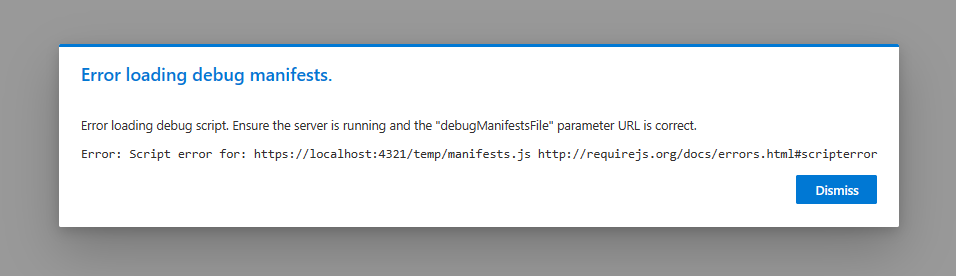
Recently, I had to set up a new development machine. These days, my primary development tasks are centered around SharePoint Framework (SPFx) solutions, so setting that up was my first goal. Everything was going smoothly until I tried to install the certificate that the development web server needs for developing SPFx solutions. From there, I descended down the certificate rabbit hole. After a couple of days of research and asking everyone I know for help, I was finally able to complete the task and decided that I better document it before I forget.

Adding custom formatting to all list views

Adding custom formatting to all list views

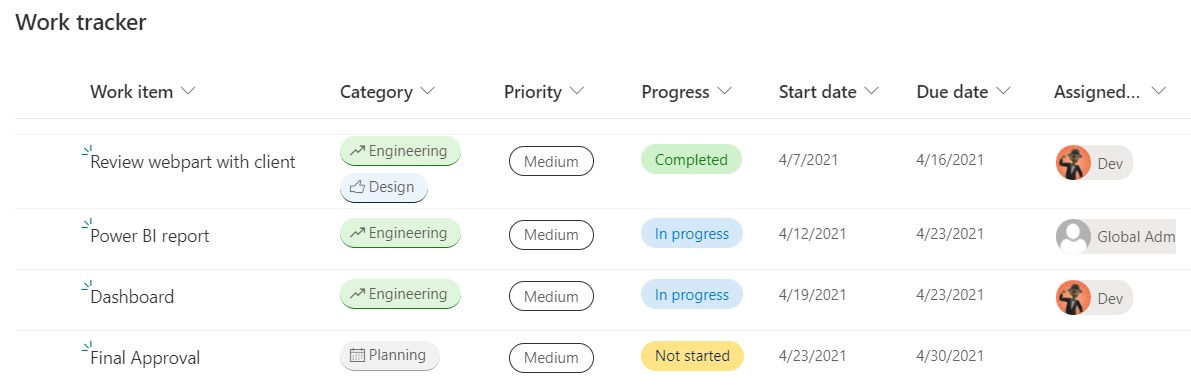
One of the most exciting changes to SharePoint in the last few years is the advances in custom formatting of columns, views, and forms. These capabilities have transformed lists from functional tools that are pretty boring to exciting, dynamic, visual presentations of data with colors, icons, and almost anything you can design in HTML/CSS. By default, most of the custom formatting samples for columns are shown in a single view, but it is just few steps to make this formatting active in every view.

Certified! Microsoft 365 Developer Associate

Certified! Microsoft 365 Developer Associate

I’m always excited when I earn a certification, but some are more special than others. I have been working for over a year to learn all the skills needed to earn the Microsoft 365 Developer Associate certification. While I have been working as a SharePoint developer for almost 15 years, most of my work has been in very specific areas, like webparts or apps. Certifications normally require more skills than one person would have experience in, even someone doing this as long as I have. MS-600, which is the only exam needed for the certification, covers several areas that I just don’t operate in every day. It has taken a while for me to get comfortable in those areas.

Disconnecting to stay sane

Disconnecting to stay sane

I recently took my first vacation since the Covid-19 pandemic began. We travelled to Puerto Vallarta, Mexico, and to be completely candid, I was nervous. For the last 10 years, I have travelled often for work and pleasure, but this is the first time in over a year that we have been on an airplane. While I think my health is pretty good, I fall into the high-risk category for Covid-19 based on the official guidelines. The thought of going through an airport, getting on an airplane, and staying in a hotel for 9 days was daunting.

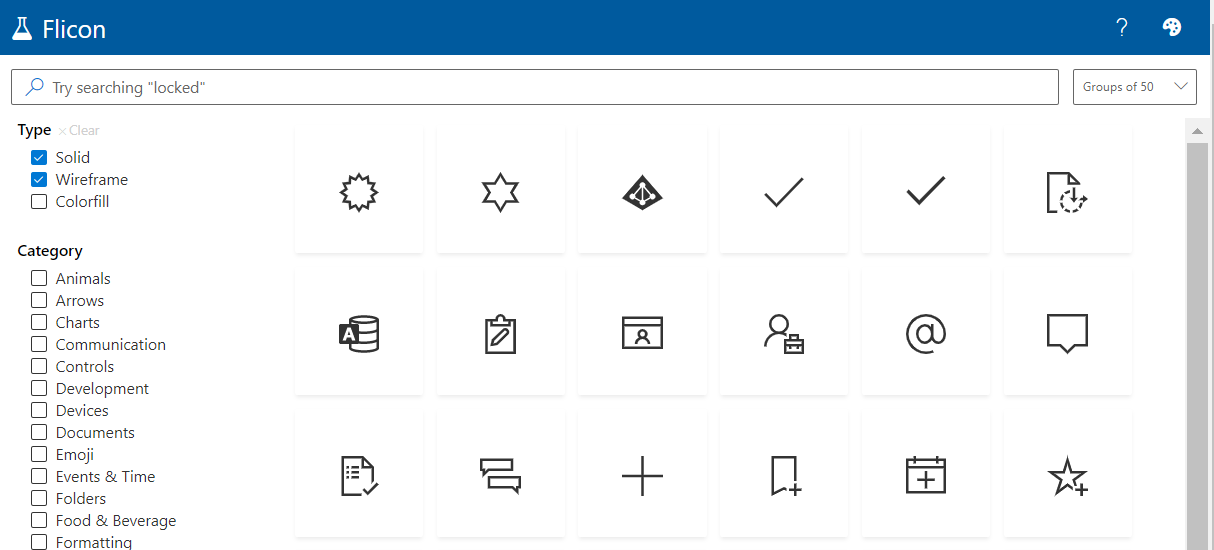
Flicon: Find your Fluent UI icons in one simple place

Flicon: Find your Fluent UI icons in one simple place

Have you ever found yourself looking for an icon, but not able to quite track down the perfect one? Between SPFx projects and the new modern list formatting capabilities in Microsoft 365, I am often looking for the icon to perfectly represent my idea. Until now, this process involved browsing through the Fluent UI website in hopes that I will stumble across one that works. Now there is a better way: Flicon.io