SHAREPOINT

Join me at M365 Collaboration Conference in June

Join me at M365 Collaboration Conference in June

Conferences are slowing coming back and I am personally looking forward to talking to attendees, sponsors, and speakers in person again. First on the agenda this year is the M365 Collaboration Conference (formally the SharePoint Conference) in Orlando, FL, Jun 8-10. The “big” conference is still scheduled for Las Vegas in December, but this is a hybrid event that promises to be an exciting time as we transition from the virtual world we have lived in for the past year. I am honored to be chosen to deliver a couple of sessions during the conference and am looking forward to the trip.

Adding custom formatting to all list views

Adding custom formatting to all list views

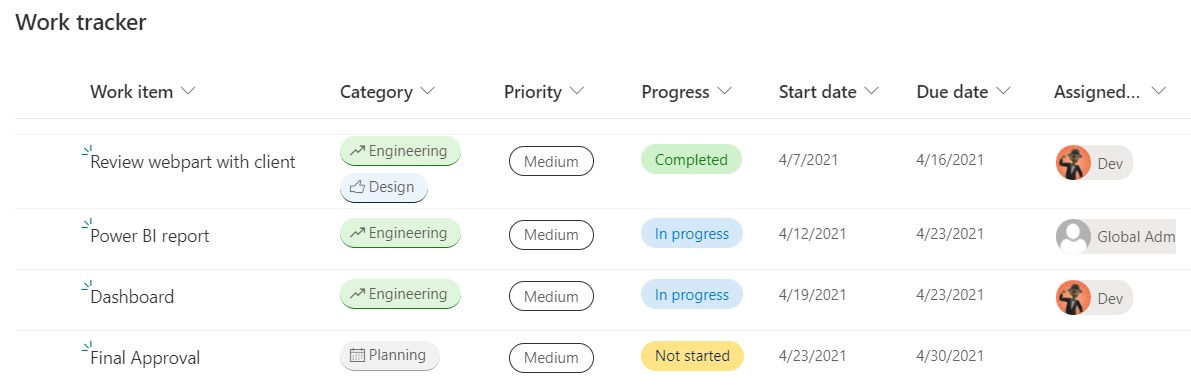
One of the most exciting changes to SharePoint in the last few years is the advances in custom formatting of columns, views, and forms. These capabilities have transformed lists from functional tools that are pretty boring to exciting, dynamic, visual presentations of data with colors, icons, and almost anything you can design in HTML/CSS. By default, most of the custom formatting samples for columns are shown in a single view, but it is just few steps to make this formatting active in every view.

Microsoft Certified Trainer for 2021

Microsoft Certified Trainer for 2021

As 2020 ends (finally!), I realized that I neglected to post about an acheivement that I am very proud of. Last month, I was confirmed as a Microsoft Certified Trainer (MCT) for 2021. This is my 5th MCT certification and I even received a nice polo shirt for the 5-year acheivement. I am very proud to be counted among professional instructors in Microsoft technologies and look forward to more opportunities to use my certification help educate others.

Creating a Section Aware webpart in SPFx

Creating a Section Aware webpart in SPFx

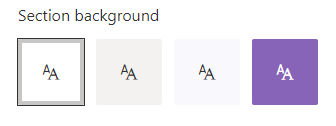
Recently, I built a web part for a client, which led to a discussion about why the web part background was static white, which did not reflect the branding on the page. My quick fix was to just change the color manually, but now I wanted to know more about how I could build webparts that are aware of the area that they are in. It turns out, there are several options, depending on the capabilities needed and the web part framework.

SharePoint Devs be aware! DOM changes are happening!

SharePoint Devs be aware! DOM changes are happening!

Microsoft warned us! The Document Object Model (DOM) on web pages was a common target in my pre-SPFx solutions, especially the ones that used jQuery. When SPFx came along, Microsoft was very clear that the classes and element ids on the modern page were not an API. By that, they meant that there was no contract with developers that those values would not change in the future. The future is here!

SPFx 'gulp clean' - don't neglect its use during deployments

SPFx 'gulp clean' - don't neglect its use during deployments

I recently ran into a situation where building and debugging a SPFx web part seemed to go off the rails. Then I figured out that my normal pattern of skipping the ‘gulp clean’ command during project deployment had cause what I thought was bizarre behavior in Site Collection Features and toolbox.

I was working for a client that does not have a dedicated development or QA environment due primarily to political reasons. They also block access to all non-company tenants. Fortunately, I am able to do my development “off network” and once everything is ready, I move the code inside the firewall. Since this was an update to an existing web part, I knew deploying it to the same tenant as the existing web part was going to be tricky. The existing web part is on the company intranet home page, so getting into a site for testing without affecting the original web part meant deploying into a “QA” site app catalog. I thought this would work and there shouldn’t be any conflict. Famous last words …