

SHAREPOINT

SPFx 'gulp clean' - don't neglect its use during deployments

SPFx 'gulp clean' - don't neglect its use during deployments

I recently ran into a situation where building and debugging a SPFx web part seemed to go off the rails. Then I figured out that my normal pattern of skipping the ‘gulp clean’ command during project deployment had cause what I thought was bizarre behavior in Site Collection Features and toolbox.

I was working for a client that does not have a dedicated development or QA environment due primarily to political reasons. They also block access to all non-company tenants. Fortunately, I am able to do my development “off network” and once everything is ready, I move the code inside the firewall. Since this was an update to an existing web part, I knew deploying it to the same tenant as the existing web part was going to be tricky. The existing web part is on the company intranet home page, so getting into a site for testing without affecting the original web part meant deploying into a “QA” site app catalog. I thought this would work and there shouldn’t be any conflict. Famous last words …
Flicon: Find your Fluent UI icons in one simple place

Flicon: Find your Fluent UI icons in one simple place

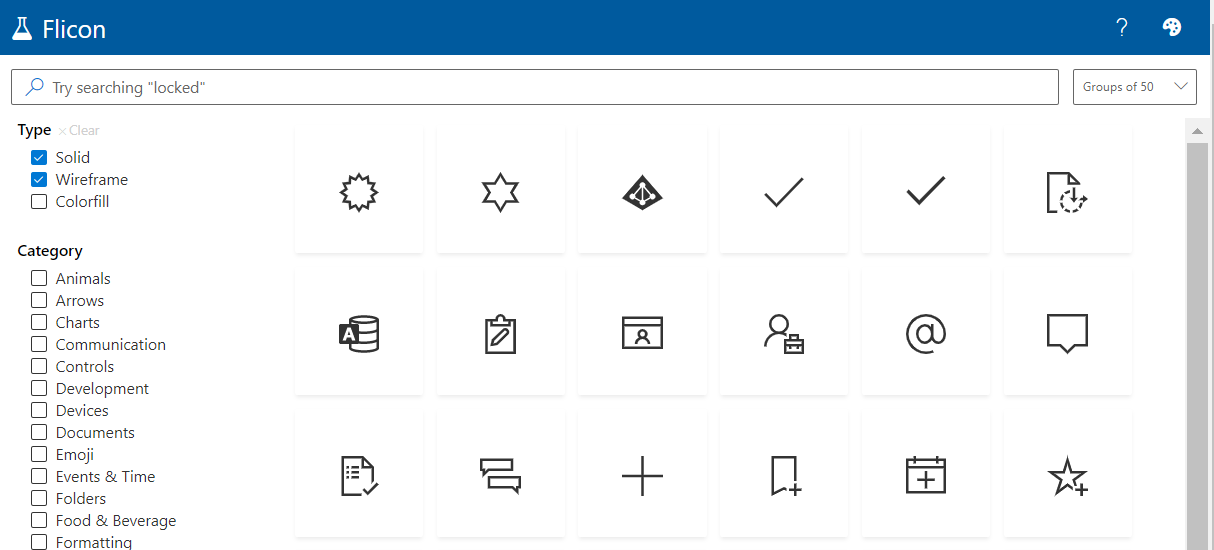
Have you ever found yourself looking for an icon, but not able to quite track down the perfect one? Between SPFx projects and the new modern list formatting capabilities in Microsoft 365, I am often looking for the icon to perfectly represent my idea. Until now, this process involved browsing through the Fluent UI website in hopes that I will stumble across one that works. Now there is a better way: Flicon.io

This new site is the brainchild of Chris Kent, Microsoft Office Development MVP and speaker extraordinaire. As a member of the Microsoft 365 PnP Core team, Chris spends a lot of time working on samples of List formatting, often using icons in those samples. I’m betting that he got tired of trying to find appropriate icons for his entertaining demos on the weekly “Sharing Is Caring” calls and decided to build a better solution. The problem with the current process is that you can only search for icons by name and often the name does not fit into the category of icon you are looking for.

Flicon.io is a tool that lets you search for icons based on categories and tags that have been associated with each icon instead of just the name. Let’s take a look at how that works.

SharePoint Framework (SPFx) Quick Start

SharePoint Framework (SPFx) Quick Start

DEPRECATED: This article has been updated. Please see the latest version at SharePoint Framework (SPFx) Quick Start (Gulp toolchain for SPFx v1.21.0 and earlier)

This article left in place for historical reference.

For the several years now, I have concentrated on helping developers to get started coding in the SharePoint Framework (SPFx). My primary message has always been that, “despite it being a complete departure from previous coding approaches in the SharePoint, it’s not as difficult as it seems and you should just give it a try.” I am updating that presentation to include recent changes to SPFx as I prepare for upcoming engagements at North American Collaboration Summit (NACS) and ShareCloud Summit and will post it on this site when available.