
TOOLS

The SPFx Install Script Grows Up

DRAFT The SPFx Install Script Grows Up

Back in December I introduced a Node.js script that automates SPFx environment setup—pick a version or an alias like SPO or SP2019, and it figures out the right Node.js, Yeoman, generator, and task runner versions by querying the npm registry directly instead of relying on a hardcoded matrix.

That script has been in daily use across real client work ever since, which turned out to be the best possible test suite. It broke in ways I didn’t anticipate, got rebuilt in places I thought were already solid, and picked up a handful of features I only discovered I needed once I was living in it.
Maintaining Your Voice: Using AI Voice Profiles for Consistent Content Creation

Maintaining Your Voice: Using AI Voice Profiles for Consistent Content Creation

As someone who’s been blogging about technical topics for years, I’ve always struggled with consistency. Some articles feel more conversational, others too formal. Some include helpful context and anecdotes, others jump straight into code. The voice varies depending on when I wrote it, how much coffee I’d had, and what mood I was in that day.

What if I could capture my writing style—the good parts—and have AI help me maintain that consistency across everything I write?

Automating SharePoint Framework Environment Setup: A Dynamic Installation Script

Automating SharePoint Framework Environment Setup: A Dynamic Installation Script

If you’ve been working with SharePoint Framework (SPFx) for any length of time, you know the drill: look up the Node.js version compatibility, install the right LTS version, manually install Yeoman, the SPFx generator, and the correct task runner (Gulp or Heft, depending on the version). For modern SPFx versions, this might take 5 minutes if you know what you’re doing. For older versions or platform-specific deployments like SharePoint 2019 or Subscription Edition? Much longer.

What if I told you there’s a way to do all of this in under a minute, completely automated, for any SPFx version—past, present, or future?

Using Teams Toolkit in WSL (updated)

Using Teams Toolkit in WSL (updated)

I recently started a training course with the amazing Andrew Connell through his company Voitanos. The subject for this course is Microsoft Teams Development. This is an area I have wanted expand my professional expertise in for a while, so I am very excited about the course. We are using the Teams Toolkit to develop all of the project types available in MS Teams. Our first project is an app to be surfaced as a personal tab and since we want to build a modern UI, we are using the Tab option for “React with Fluent UI.”

Using Multiple Desktops for Presentations

Using Multiple Desktops for Presentations

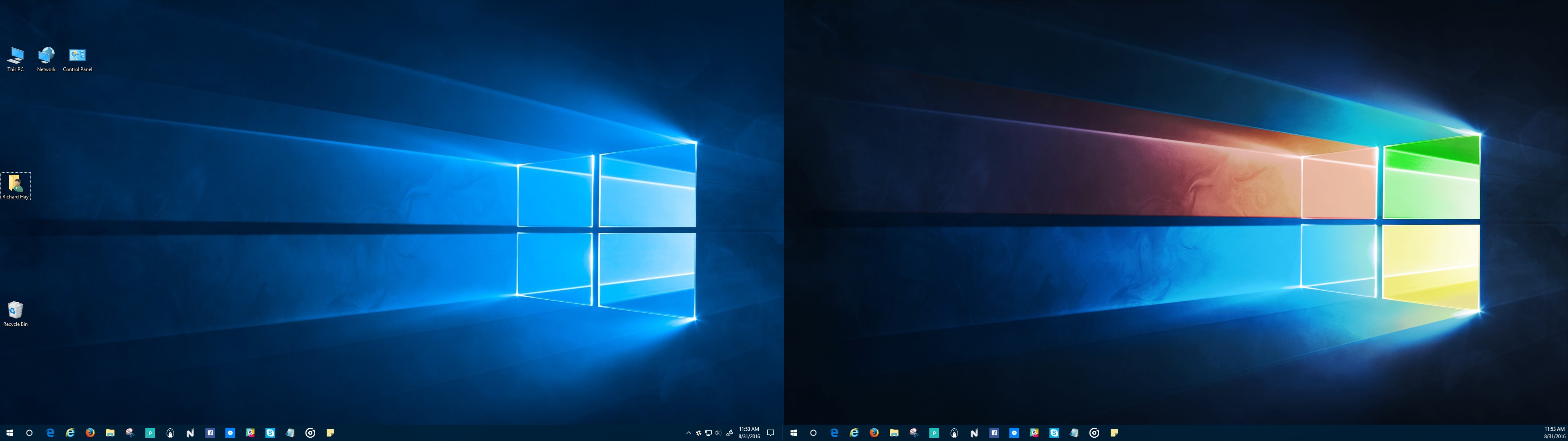
Have you ever sat through a presentation, watching the presenter struggle to find the next browser tab, code window, slide deck, etc., to continue the show? Or watch that awkward transition from slides to demos and back? Or the presenter uses Alt-Tab, but has dozens of apps open and struggles to find the right one? I know you have and it might have been one of my sessions! I learned a while back about a technique to make your presentations just flow from one section to the next. If you are using Windows, multiple desktops make these transitions fast and seamless.